Connect data sources
Where data comes from — file uploads, sample sets, BigQuery and app connectors — and how the platform turns it into something it can reason about.
Insights Engine answers questions by reading sources. A source is any file, table or feed of data you've connected to a project. The most common starting point is a file upload, but several other source types are supported too.
Open the Sources page
From the sidebar, click Sources. You'll see four tabs across the top:
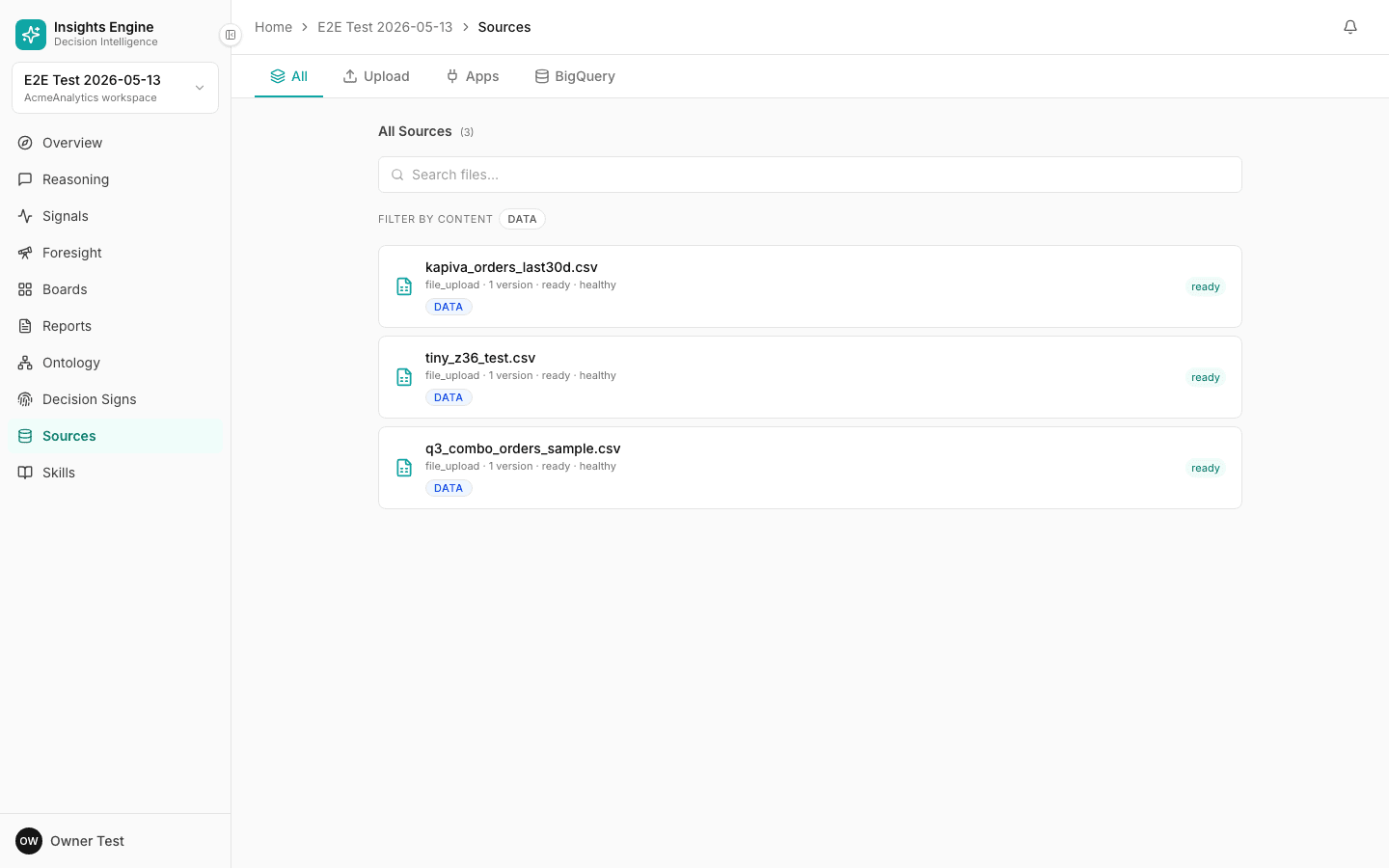
- All — every source in the project, with status, row count, and freshness.
- Upload — drag-and-drop CSV / Excel files.
- Apps — third-party app connectors.
- BigQuery — direct BigQuery table connections (advanced).
Uploading a file
On the Upload tab, drag a CSV or XLSX file onto the drop zone — or click to pick one. You can drop several files at once.
Each file goes through these stages, shown live on a status badge:
- Queued — waiting for a slot.
- Uploading — the file is being transferred securely.
- Parsing — the platform reads the rows and columns.
- Analyzing — every column is profiled (data type, sample values, hints about what it represents) and matched to known business concepts.
- Indexing — the source is added to the project's question-answering index.
- Ready — you can ask questions about it.
If something looks off — for example, a date column the platform can't parse — you'll see a gotcha chip on the source with a short explanation and a suggested fix.
Connecting BigQuery
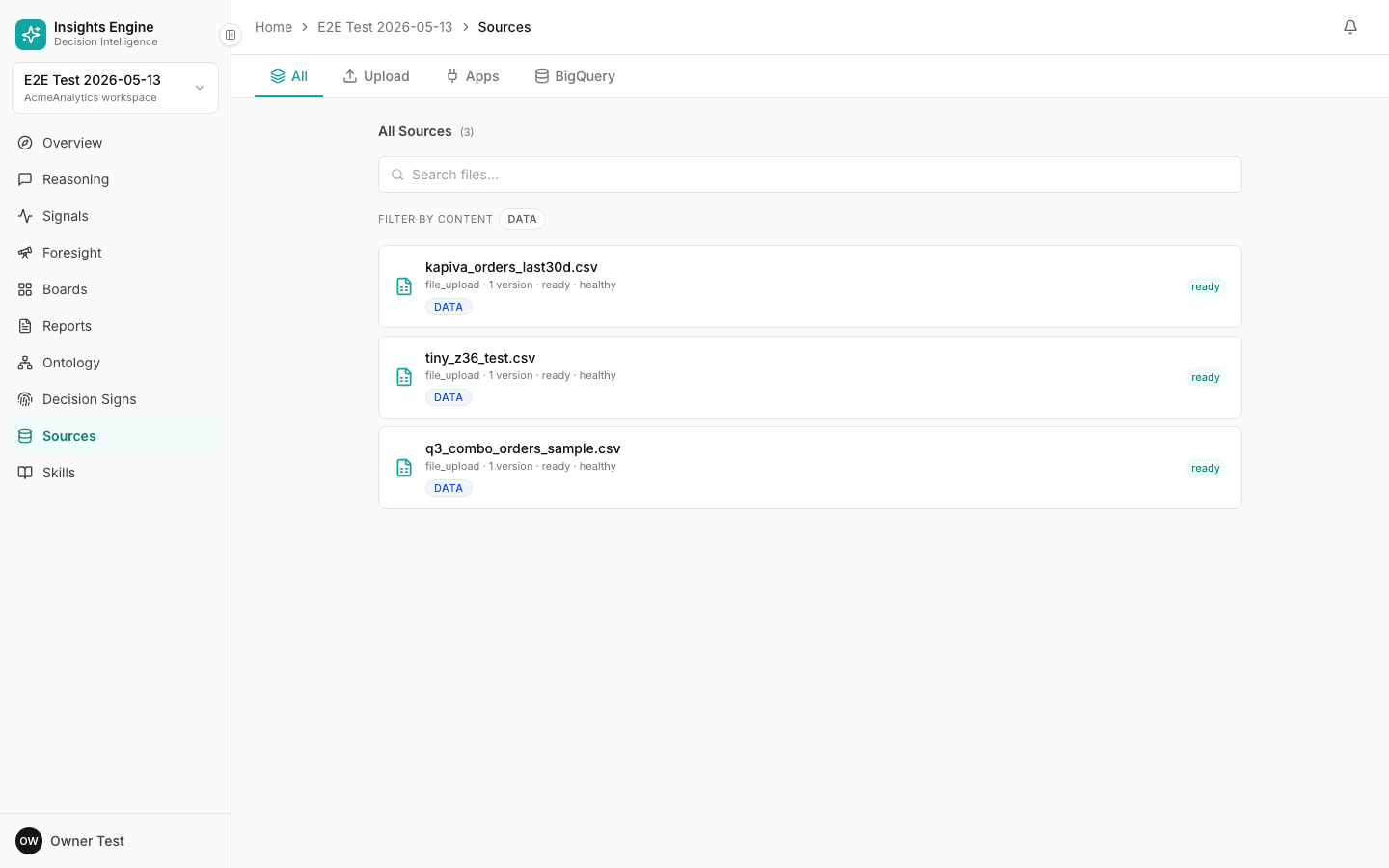
If your data already lives in BigQuery, you can connect a dataset directly without exporting files. On the BigQuery tab, paste your project + dataset reference and the platform will inspect available tables for you to import.
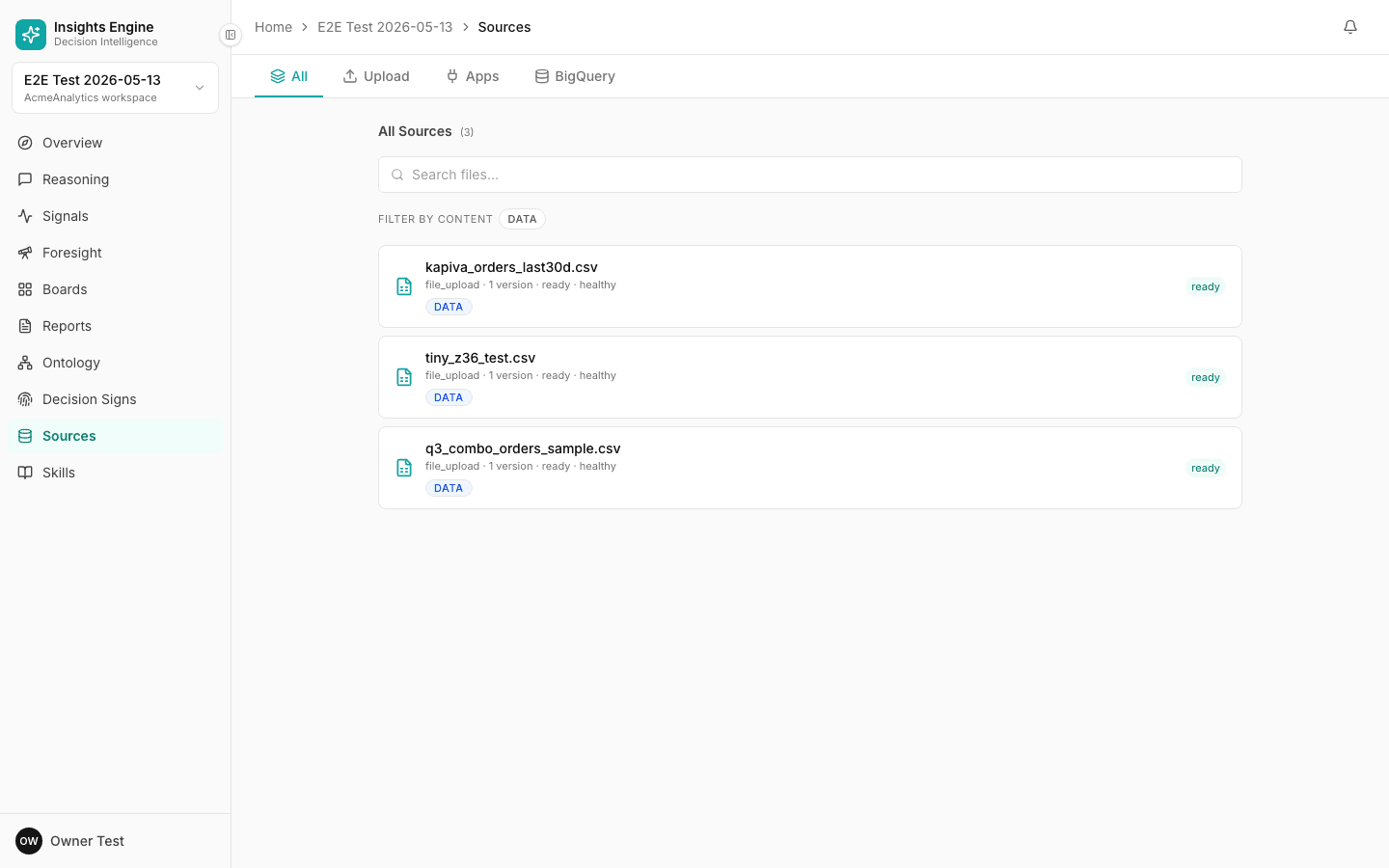
When you connect a BigQuery table, the platform reads its schema and a representative sample — it does not download every row. Queries run live against your warehouse.
App connectors
The Apps tab lists third-party services you can connect — e.g. Google Drive for documents, file shares for ongoing uploads. New connectors are added regularly; if you don't see one you need, ask your admin.
Trust, scope and versions
Every source has three properties worth knowing about:
- Trust level —
trusted(use freely in answers) orsandbox(visible to you but not auto-cited until you promote it). - Scope —
owned(this project owns it) orsubscribed(shared from another project in the same workspace). - Versions — every re-upload is captured as a new version. The platform shows the schema diff between versions so you can see what changed.
This matters because every answer is cited back to a specific source version — so an answer you got last month is still defensible against the snapshot of data you had then.
What about live data?
For files: re-upload to refresh. For BigQuery: queries run live. For app connectors: each connector sets its own refresh cadence, shown on the source.
Tips
- Name files descriptively.
2026_q1_deals_export.csvbeatsdata.csv— the platform uses filename hints to auto-map columns. - Don't pre-aggregate if you can avoid it. Raw rows give the platform more to work with than summary tables.
- Watch for gotchas. They surface quickly and usually take seconds to fix.
Next: Ask your first question.