Foresight
Forward-looking research — risks, opportunities, tradeoffs, scenarios, and what to monitor.
Most of the platform answers questions about what did happen. Foresight answers questions about what could happen.
Think of it as a research assistant that scans your data, the web (if you allow it), pinned sources, and your project's history to surface things worth knowing before you make a call.
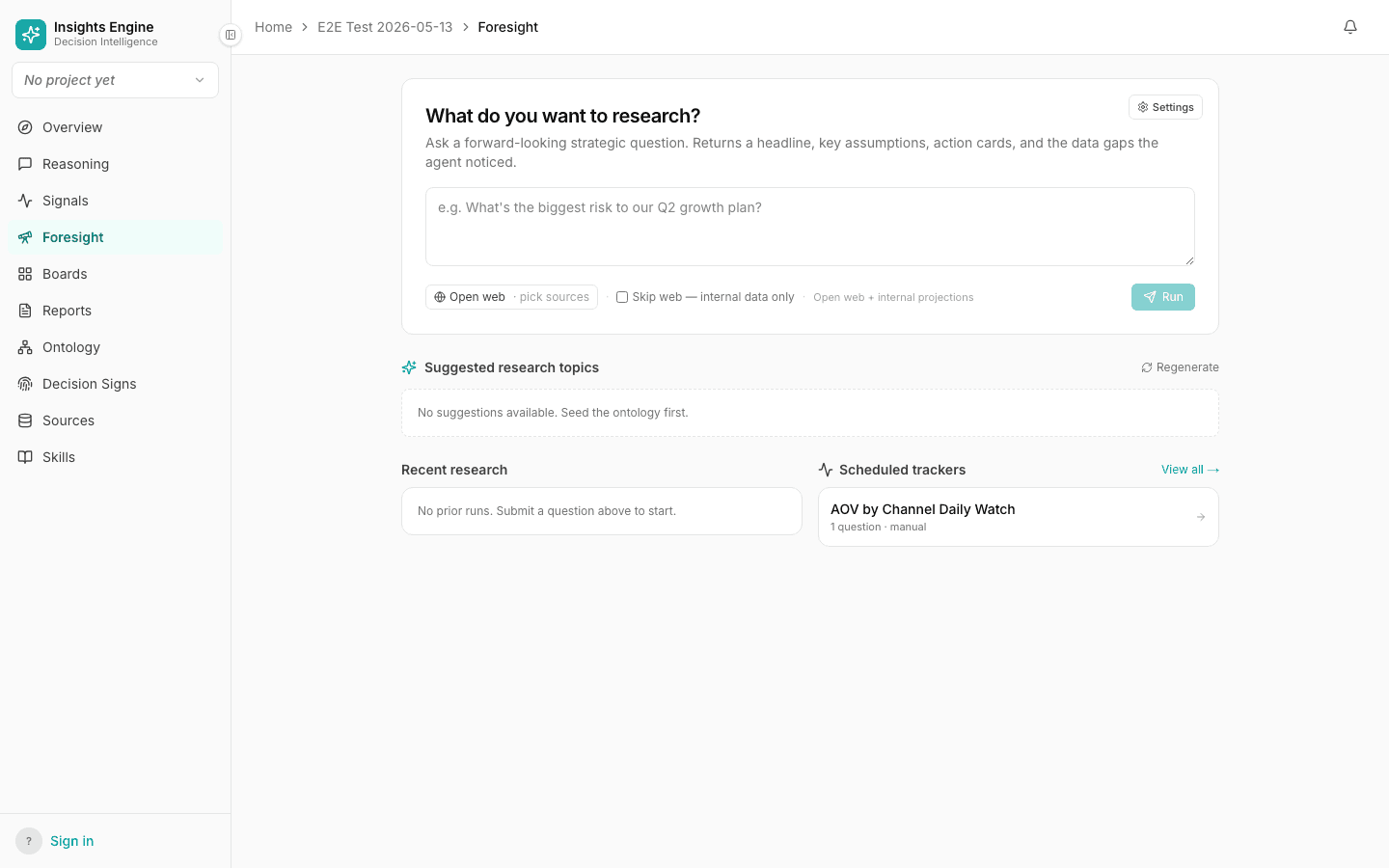
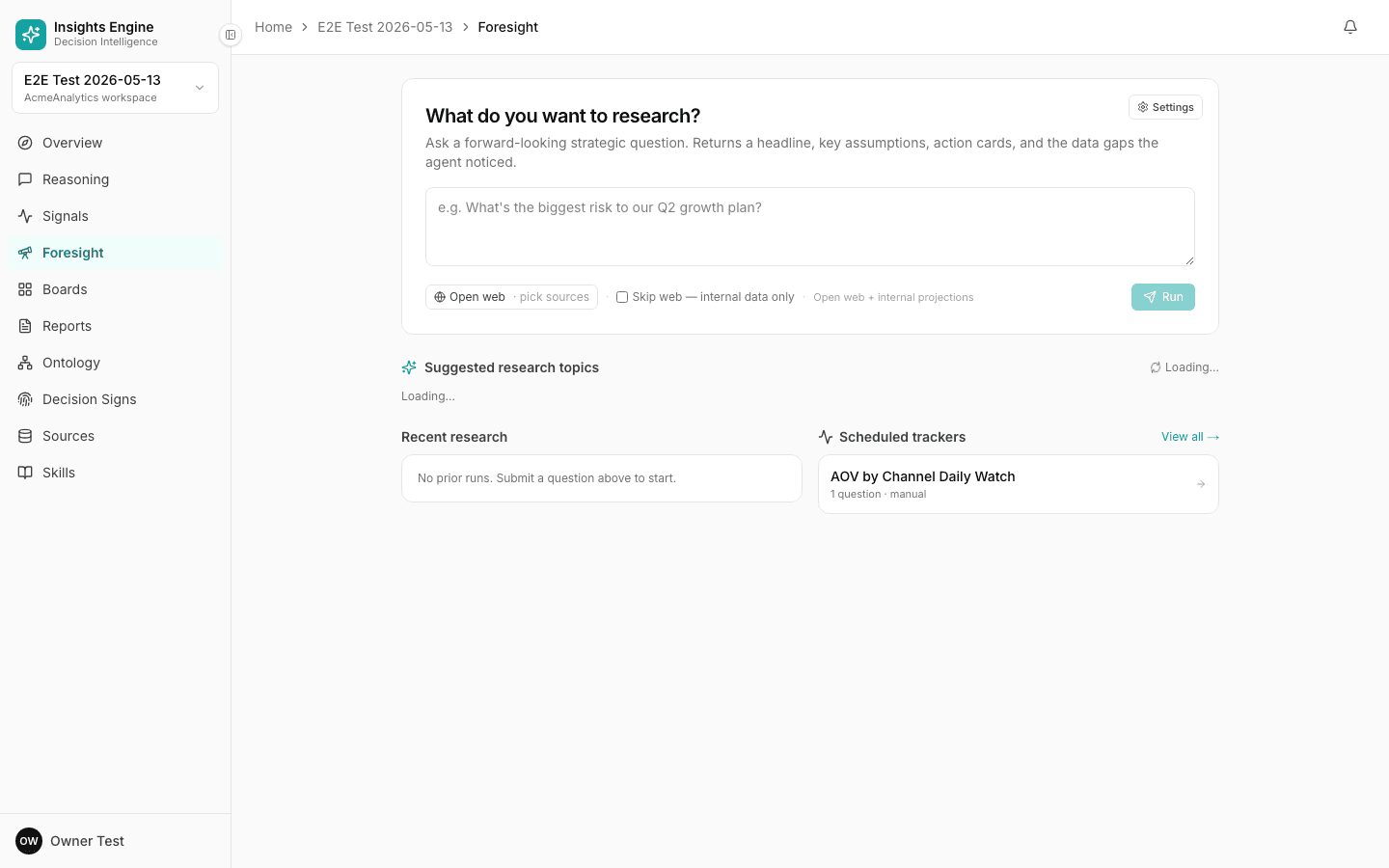
What's on the Foresight screen
Sidebar → Foresight. Composer-first layout:
- Header card "What do you want to research?" with description: "Ask a forward-looking strategic question. Returns a headline, key assumptions, action cards, and the data gaps the agent noticed."
- Settings button (top-right of the card) — opens the project-level Foresight settings.
- Composer textarea — placeholder like "e.g. What's the biggest risk to our Q2 growth plan?"
- Source-scope pill —
🌐 Open web · pick sources(click to add specific URLs / domains to bias the scan). - Skip web checkbox — "Skip web — internal data only" restricts the query to your sources and pinned context.
- Mode indicator — text on the right of the controls reads e.g. "Open web + internal projections" and updates as you toggle.
- Run button.
Below the composer, a ✨ Suggested research topics section with a Regenerate action and a grid of cards. Each card is tagged with one of the four modes:
- 🔴 RISK — "What could go wrong with X?"
- 🟢 OPPORTUNITY — "Where could we grow that we aren't?"
- 🟠 TRADEOFF — "What are the side-effects of X?"
- 🔵 SCENARIO — "What if X happened?"
The platform classifies each query into one of these modes and colour-tags the result.
What you get back
Each foresight result has:
- A headline — the most important takeaway in one line.
- A mode tag — risk, opportunity, tradeoff, scenario or monitor.
- A sources scanned count — how much the platform looked at to produce this.
- The body — structured findings, broken out by sub-theme.
- A cite list — every URL, document, and internal source it drew on.
Project-level Foresight settings
Some inputs are set once at the project level (Settings → Foresight) and apply to every query:
- Company profile — your company name, description, market. Helps the platform tailor results.
- Trusted domains — sites the platform should weight heavily (e.g. your industry's analyst firm).
- Excluded domains — sites to ignore (e.g. low-quality aggregators).
- Bookmark URLs — sources to always include in scans.
Why this is separate from Reasoning
Reasoning is best for "what happened?" questions — they have a defensible answer in your data. Foresight is best for "what might?" questions — they require external scanning, scenario modelling, and explicit acknowledgement that the future isn't in your CSV.
Keeping them separate means each one is honest about its evidence base.
Tips
- Pin your sources. A query with two pinned URLs is dramatically better than a free-form web scan.
- Use trusted/excluded domains. It compounds over months.
- Tag the mode in your phrasing. "What risks should we watch for around X" steers cleanly toward Risk mode.
- Don't expect predictions. Foresight surfaces what to think about — not "the answer is yes."