Ask a question
A step-by-step recipe for getting a defensible answer.
This walks through the full Ask-a-Question flow — every step, every tip.
1. Open Reasoning
Sidebar → Reasoning. You'll land on the composer.
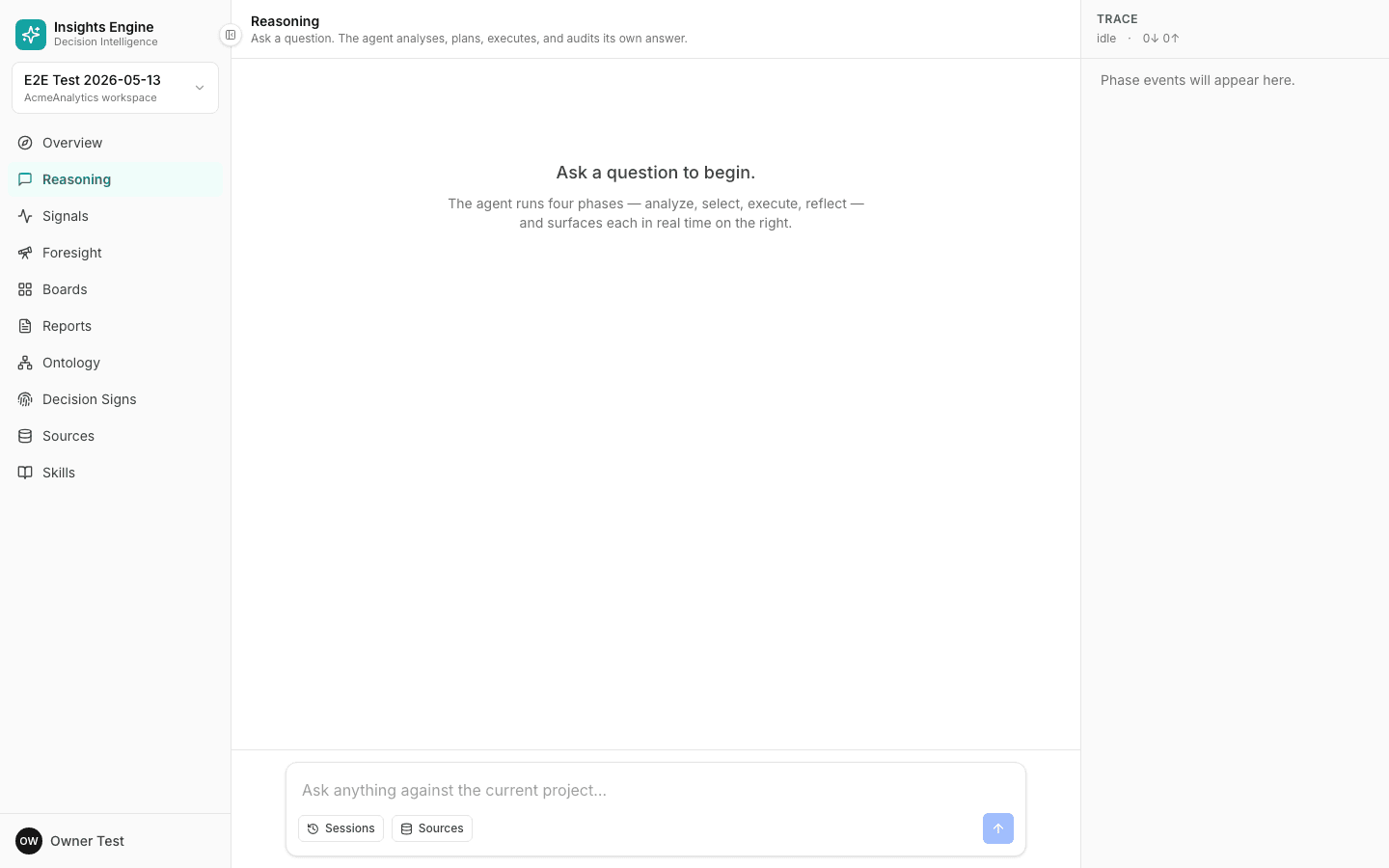
2. Phrase the question well
You can ask in plain English. The platform handles ambiguity, but a clear question gets a faster, cleaner answer.
Patterns that work:
- "What was X during period for segment?" → lookup / value query.
- "Why did X change last period?" → root-cause.
- "Forecast X for the next period." → forecast.
- "Which of A, B, C contributed most to X?" → attribution.
- "Where should we shift X to maximise Y?" → optimization.
- "What if we did Z?" → scenario.
Things to avoid:
- "Tell me everything about X." → too broad. Narrow it.
- Multi-question prompts ("show me X and also Y and also explain Z"). Ask them one at a time.
- Pronouns without antecedents ("how does it compare to that?"). Be explicit.
3. Pick a thinking depth
Above the composer, set the depth:
- Off — pure lookup, no extended reasoning.
- Low — fast, light reasoning.
- Medium (default) — right for most questions.
- High — for high-stakes calls. Slower, more thorough, more self-checking.
4. Submit
Click the send button or press ⌘/Ctrl + Enter.
5. Read the four phases
The answer streams in. You'll see the phase rail on the right update as each phase completes:
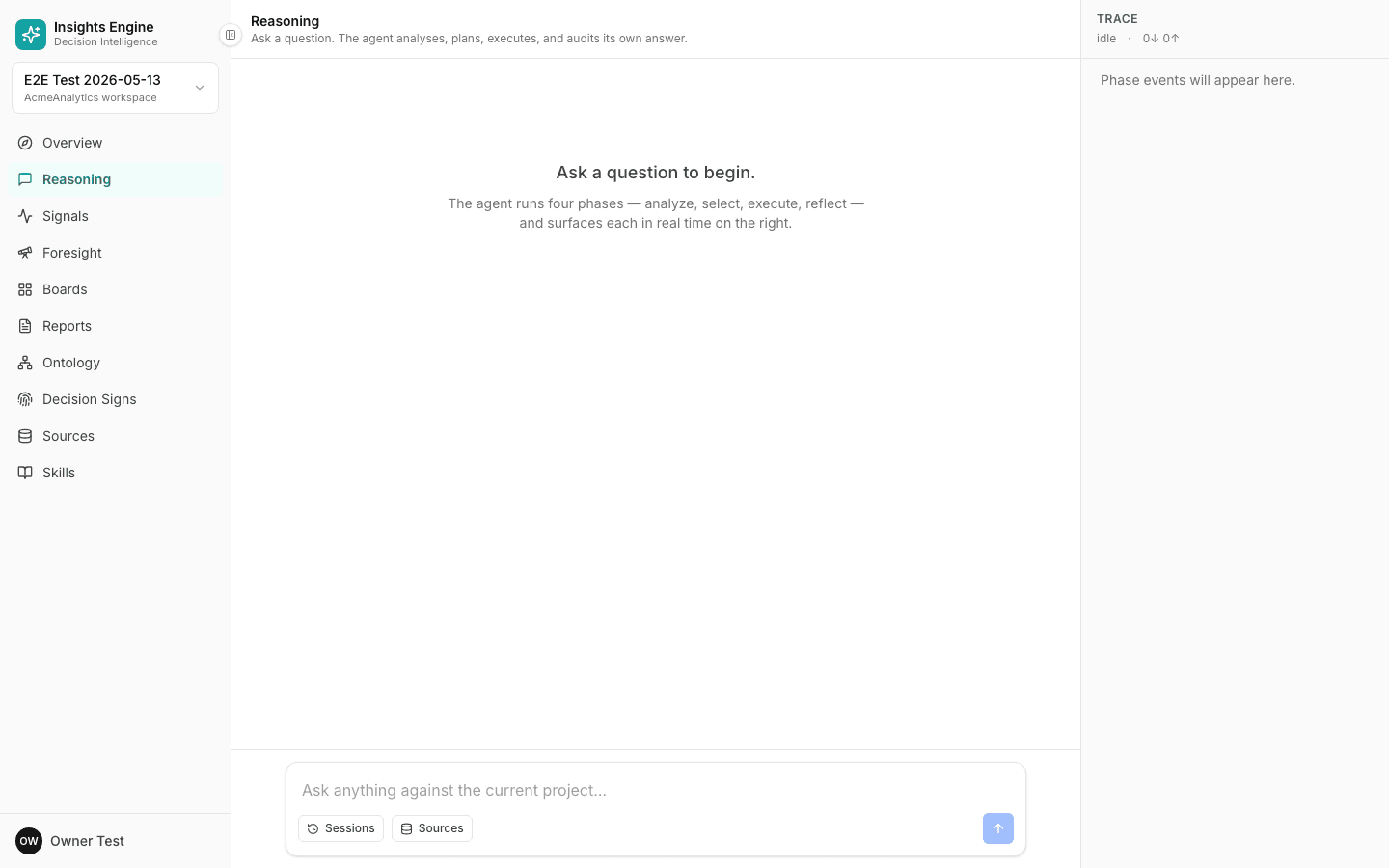
- Analyze — what the platform thinks you're asking.
- Select — the plan it picked.
- Execute — the running of that plan.
- Reflect — the cross-check.
If Analyze surfaces a clarifying question, answer it. The platform won't continue without it.
6. Read the answer
The answer has four parts:
- The headline — 1–3 sentence direct answer at the top.
- The supporting evidence — numbers, segments, rows.
- The assumptions — anything the platform had to assume.
- The tool trail — every step, expandable.
7. Check the citations
Every claim has a citation marker. Click one to jump to the row / query / definition it came from. If a claim is uncited, the platform usually flags it as low-confidence — read that carefully.
8. Decide what to do with it
The answer toolbar gives you:
- Save as decision — log this as a decision, with the answer as evidence. Good for big calls.
- Save as report — turn the answer into a shareable document.
- Save as tracker — schedule the question to re-run on a cadence.
- Share link — send the answer directly to a teammate.
- Copy as evidence — copy a markdown-formatted version with citations preserved.
9. Re-ask if you need to
If the answer isn't quite right:
- Refine the question. Add a constraint ("only D2C customers"), narrow the window, specify a segment.
- Raise the thinking depth. Sometimes Medium misses something High catches.
- Check your data. If the answer cites a source you don't trust, that's the real problem.
Previous runs stay in the Run history sidebar so you can compare.
Common pitfalls
- Asking the wrong project. Make sure you're in the right project — sidebar top-left shows which one.
- Missing data. If the platform says "I don't have data for this," it's almost always right. Connect the missing source.
- Stale data. Re-upload your file or check the source's last-refresh time.
- Ambiguous time window. "Recently" means different things on different days — be explicit.