Quickstart
From zero to your first answered question in about five minutes.
This is the fastest path to seeing Tattva work end to end. You'll create an account, start a project, upload sample data, and ask one question.
Before you start
- A web browser (Chrome, Safari, Edge or Firefox).
- A few minutes.
- Optional: a CSV or Excel file with some real data — you can also use the built-in sample data, no upload needed.
1. Sign in
Go to your Tattva URL and click Sign in (top-right). New users get an account on first sign-in; no separate signup step is required.
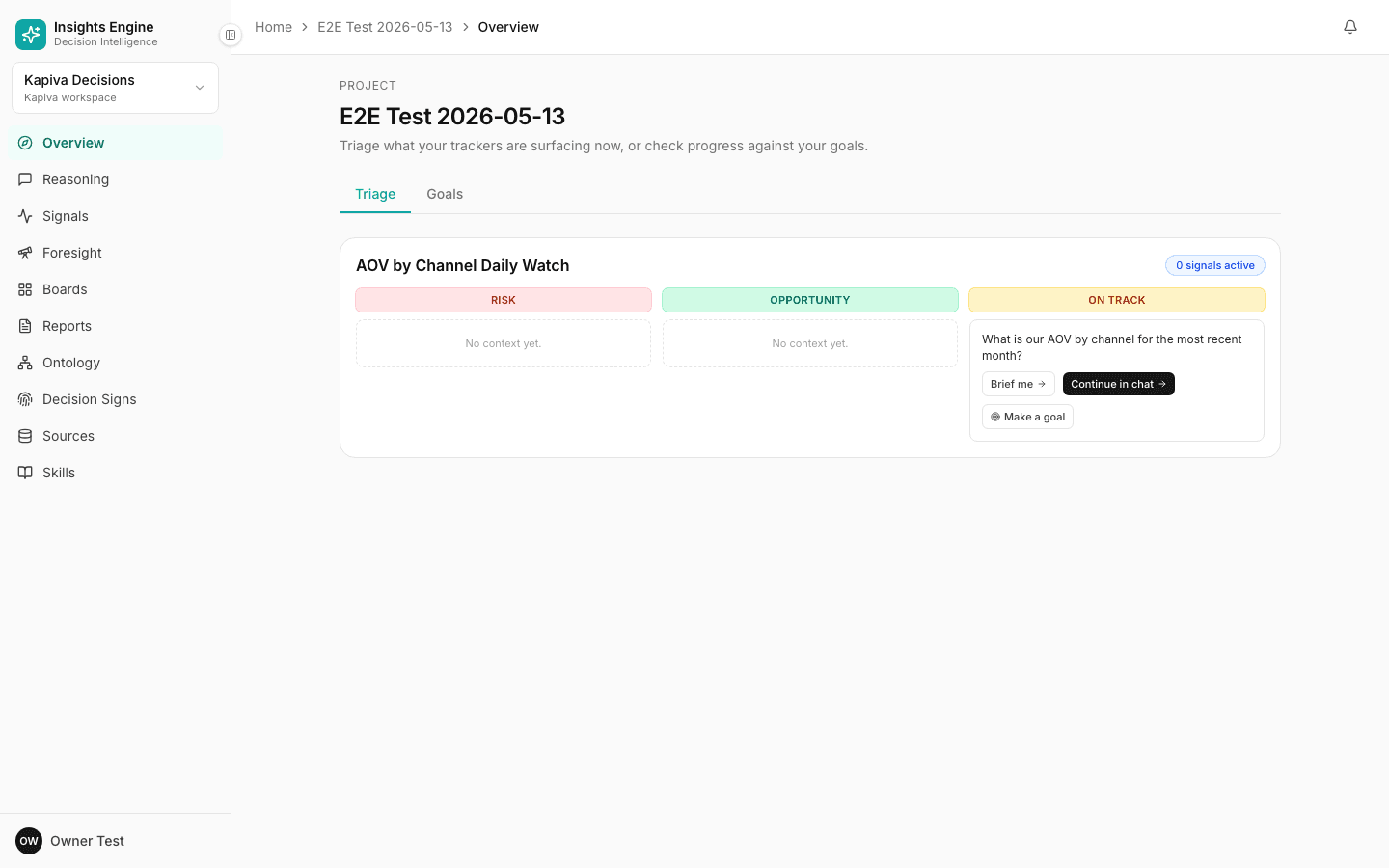
2. Create your first project
You'll land on the project setup wizard. A project is one workspace for one slice of your business — e.g. "D2C Growth", "Inside Sales", "Customer Success".
Pick the function that best fits what you want to analyse. Each function comes pre-tuned with the right metrics, personas and reasoning modes.
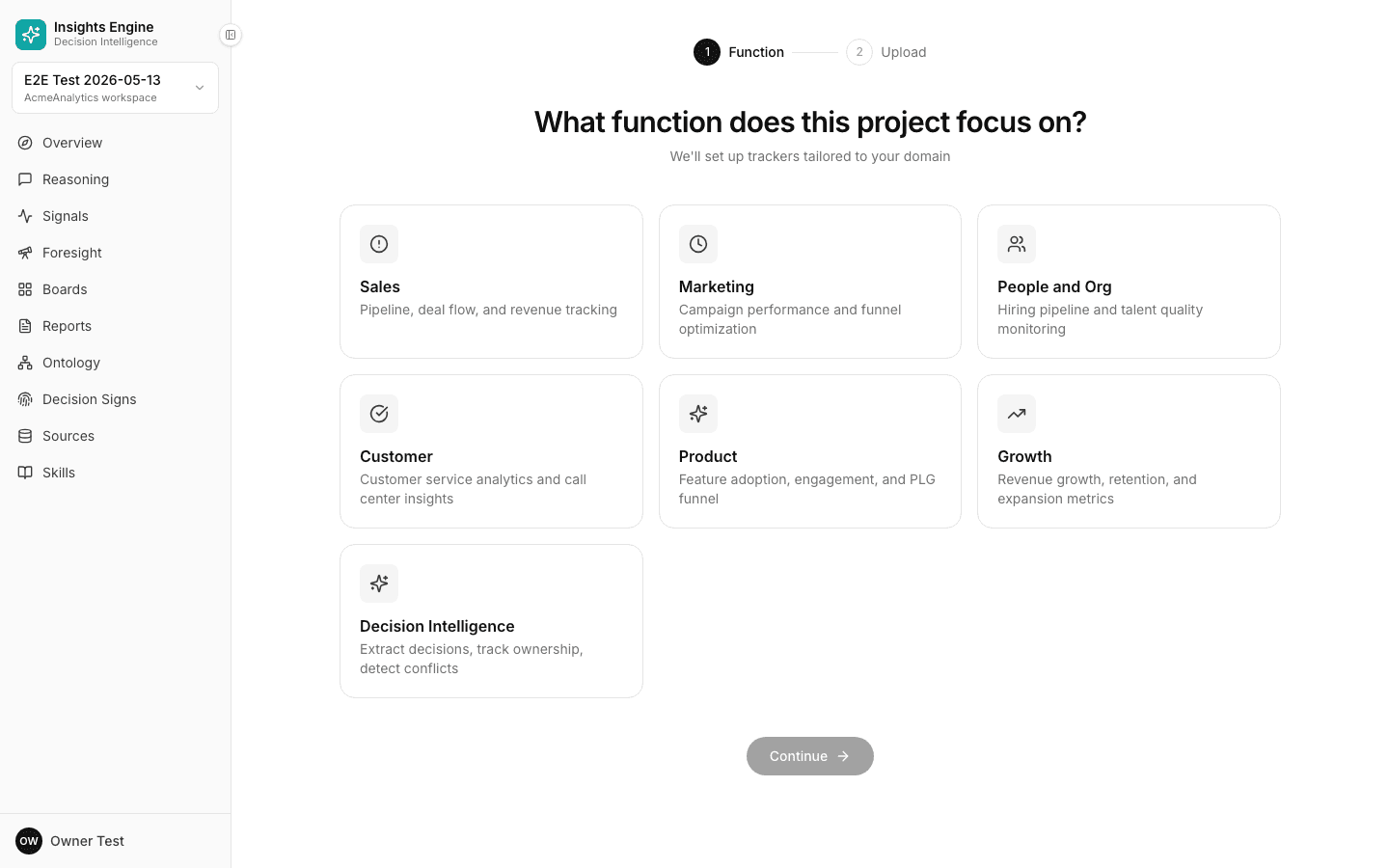
Click Continue.
3. Add data (or use the samples)
Step two is the data step. You'll see two options:
- Upload your own — drag-and-drop one or more CSV / Excel files. You can do this later if you don't have data handy.
- Try with sample data — pre-loaded files that match the function you picked. Recommended for the very first run so you can see the full experience without prep.
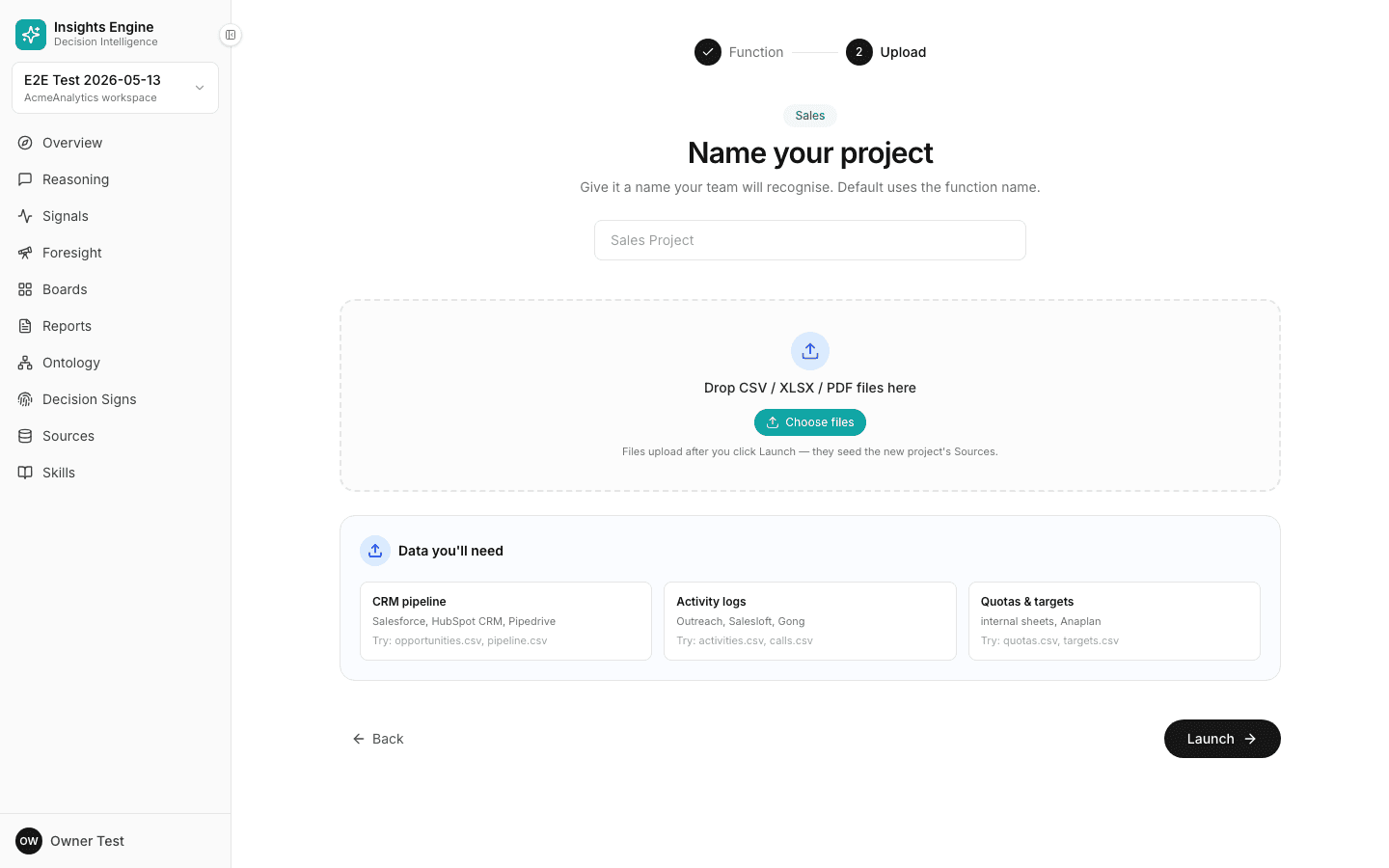
Click Create project when ready.
4. Watch the project come alive
Behind the scenes, the platform is reading every column, learning what each metric means, finding relationships between files, and building a question-answering layer on top. You'll see live status as it works — usually under a minute for a small file.
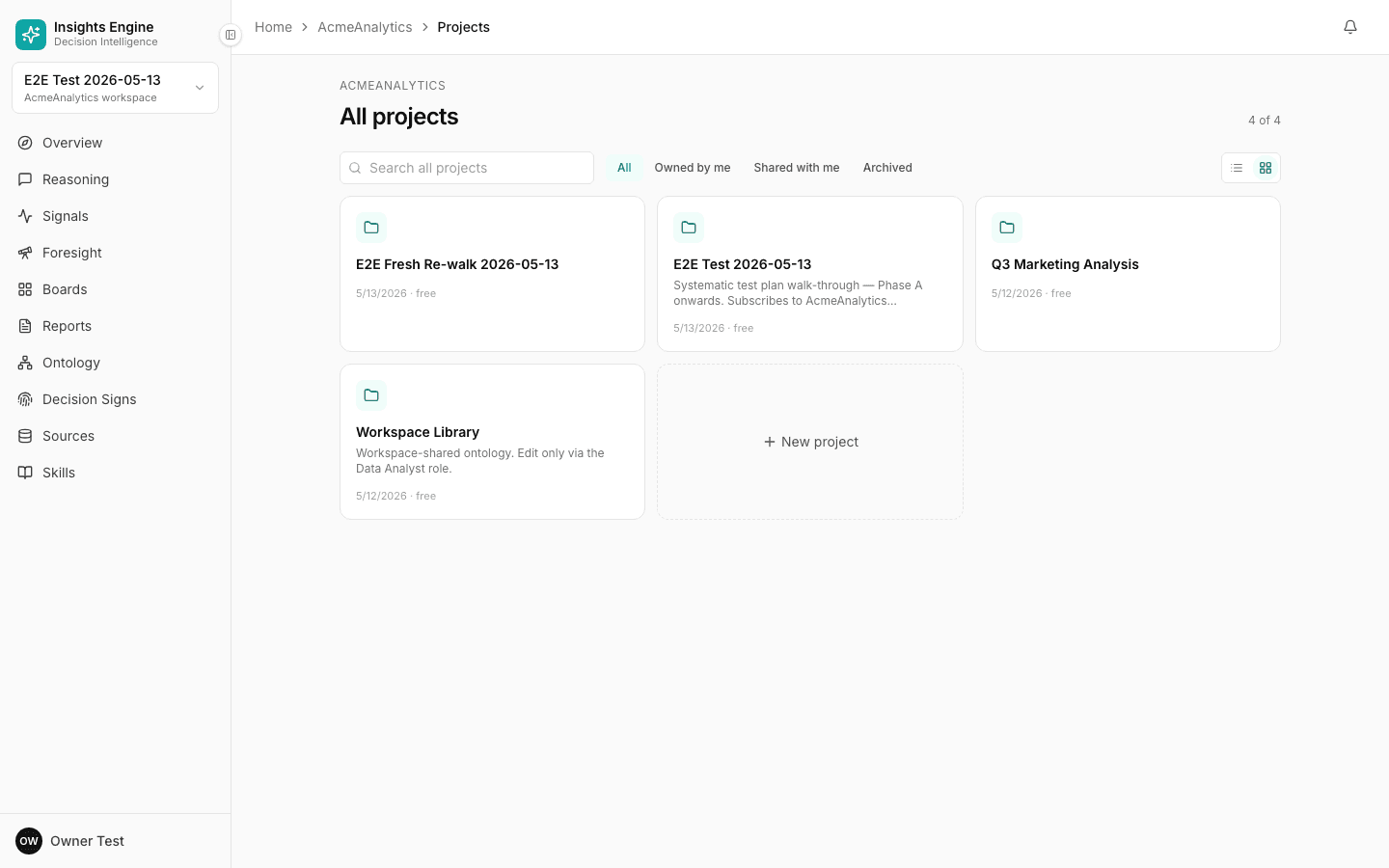
5. Ask a question
Once the status shows ready, you'll see suggested questions tailored to your data. Click one — or type your own — and watch the answer build in real time.
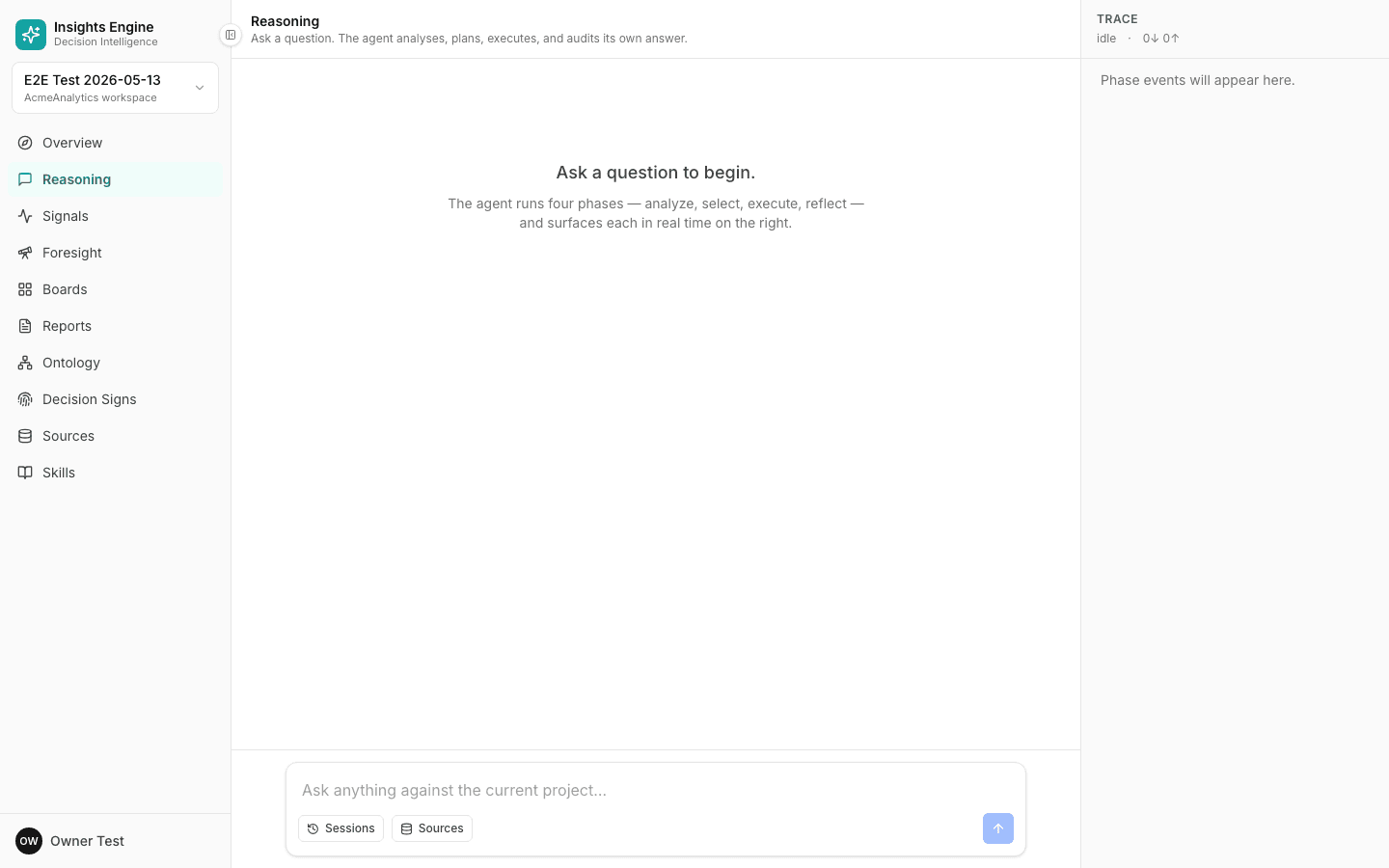
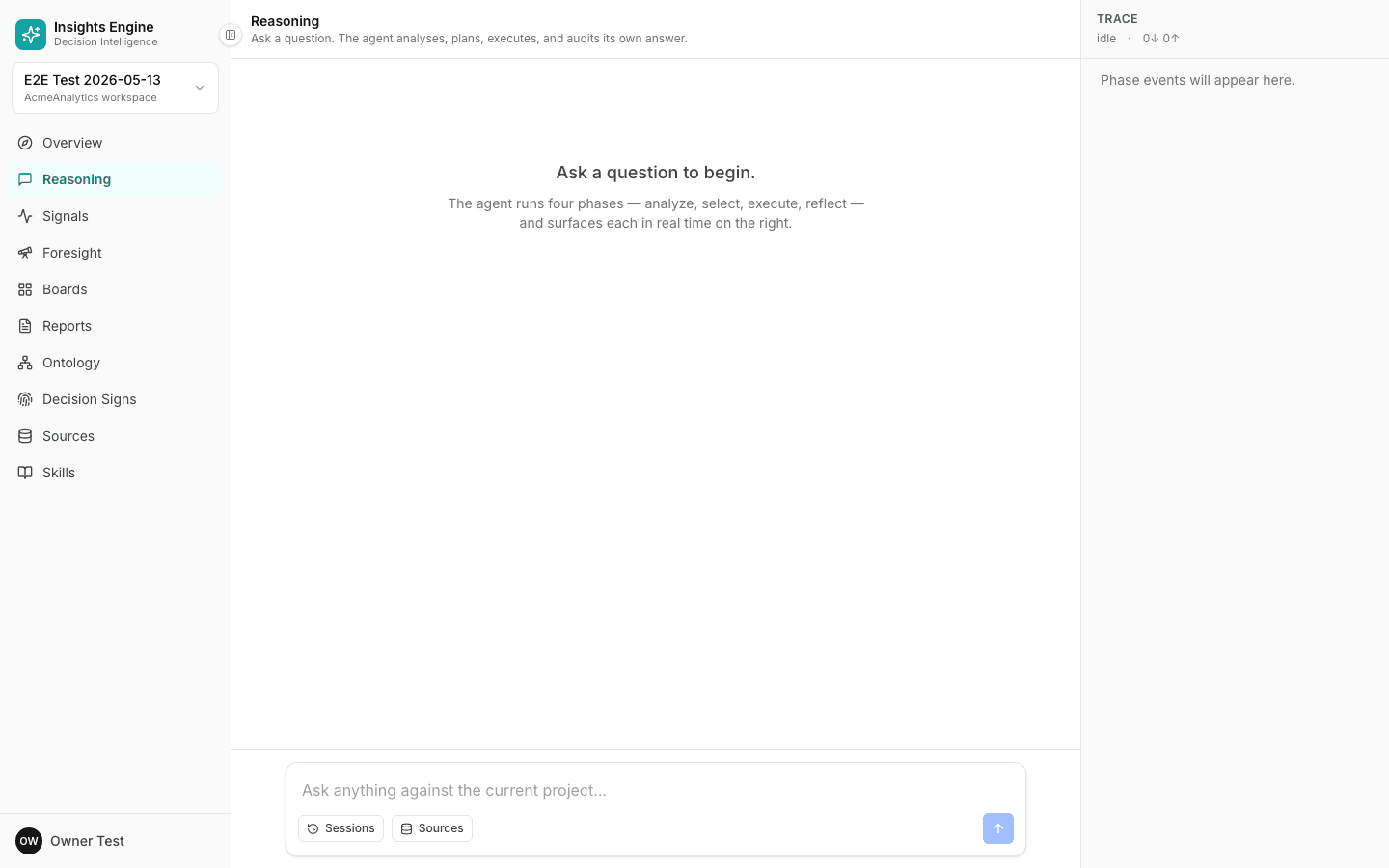
You'll see the answer build through four phases: Analyze (what you're really asking), Select (which tools to run), Execute (running them) and Reflect (cross-checking the answer).
What just happened
In five minutes you:
- Signed up
- Created a project tuned to your function
- Loaded data
- Got back a cited, defensible answer to a real business question
Now go deeper — see Core concepts or the full Ask a question workflow.