Workspace library
The shared layer that every project inherits from. Canonical metrics, conventions, sources and skills — curated by Data Analysts, used by everyone.
The Workspace Library is the company-wide layer that sits above every individual project. It's where your team's source-of-truth definitions live: the formal definition of "Net Revenue," the shared list of products, the trusted source files, the company-standard skills.
Every new project inherits parts of the library automatically. Other parts you opt into. Nothing crosses projects unless it goes through the library first.
Why it exists
Without a shared library, every project re-derives "Net Revenue" from scratch. The Growth project says it's gross minus returns. The Sales project includes promotional credits. The Finance project subtracts COGS. They're all wrong in some sense, and the QBR ends up reconciling four numbers that should have been one.
The Workspace Library solves this by giving you one place where shared definitions live, with one set of people accountable for them.
What's in the library
Auto-inherited (read-only in every project)
These flow into every project the moment you create it. You don't subscribe, you don't import — they're just there.
- Canonical metrics — formal definitions like Net Revenue, CAC, AOV, NRoAS
- Canonical entities — Customer, Order, Channel, SKU, Campaign
- Canonical concepts — New Customer, Activated User, At-Risk Account
- Canonical conventions — financial year, currency, time grain, segment definitions
- Canonical glossary terms — T1 city, premium tier, etc.
When you ask a question, the platform uses these definitions to ground its answer. The citation will point at the canonical definition, not a project-local one.
Subscribe-to-use (opt in per project)
- Sources — canonical source files (e.g. the master SKU table, the customer roster). Visible in a catalog; click to subscribe. Stay in sync with the canonical owner.
- Skills — seeded global skills appear in every project. To customise one for your project, fork it (creates an editable copy).
Strictly project-local — NOT shared
These never cross project boundaries. Each project has its own:
- Trackers
- Decisions
- Reports
- Boards
- Foresight queries
- User memory / preferences
If you want a tracker that runs across multiple projects, you create it in each project separately.
Who curates the library
The Workspace Library is maintained by Data Analysts (DA) — users with the Ontology Admin role. See Workspaces & members for what that role can do day to day.
End users in regular projects don't write to the library directly. Instead, they:
- Create the metric or definition they need in their own project.
- When it's solid, request that the DA team promote it to canonical.
- The DA team reviews and approves (or rejects) on the Promotion Inbox page.
This is by design — definitions in the library shape every project's answers, so they need a deliberate review gate.
How a project relates to the library
A diagram of what flows where:
  ┌───────────────────────────────────────┐
  │       WORKSPACE LIBRARY               │
  │       (__canonical__ project)         │
  │                                       │
  │   • Canonical metrics, entities,      │
  │     concepts, conventions, glossary   │
  │   • Canonical sources                 │
  │   • Seeded skills                     │
  └───────────┬───────────────────────────┘
              │
              │  Auto-inherited
              │  (atoms, conventions, glossary,
              │   seeded skills appear in
              │   every project)
              │
              ▼
  ┌───────────────────────────────────────┐
  │       YOUR PROJECT                    │
  │                                       │
  │   • Project-local sources (uploaded)  │
  │   • Subscribed canonical sources      │
  │     (you clicked subscribe)           │
  │   • Forked skills (your edits)        │
  │   • Project-local atoms (your defs)   │
  │   • Trackers, decisions, reports      │
  │     (never leave the project)         │
  └───────────────────────────────────────┘
Where to find it in the UI
- Sources page → "Browse workspace catalog" — see canonical sources, subscribe to the ones you need.
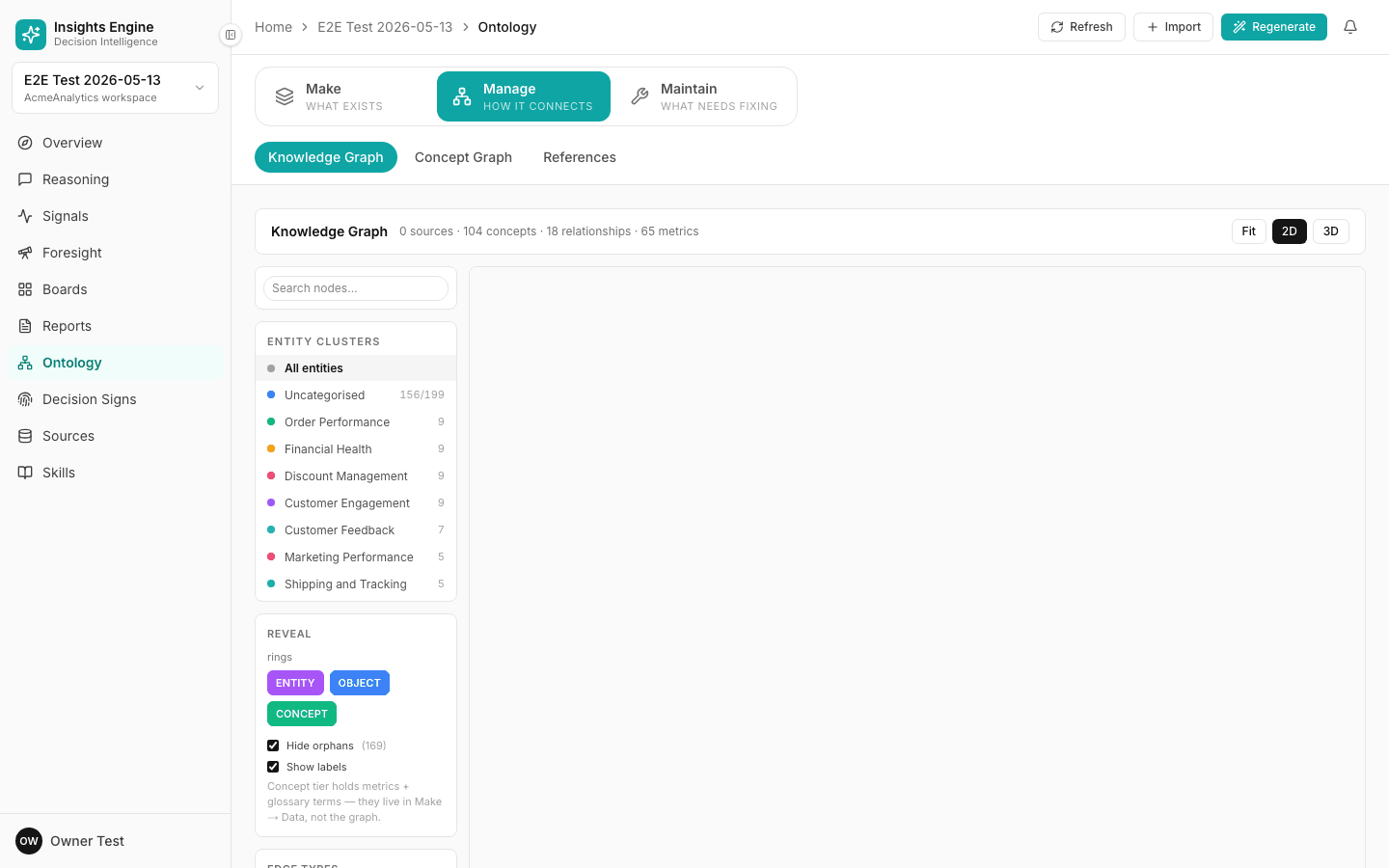
- Ontology page — the inherited canonical atoms appear here automatically (marked as canonical / inherited).
- Skills page — seeded skills appear here automatically.
- Promotion Inbox (
/ontology/promotion) — only visible to DAs and admins.
The __canonical__ project itself is hidden from the project switcher for everyone except superadmins. That's intentional — it's curated through the promotion flow, not by switching into it and editing directly.
What happens when you create a new project
When a new project is created, here's what it starts with:
| Thing | Where it comes from |
|---|---|
| Sources | None. You upload your own or subscribe from the catalog. |
| Canonical metrics & concepts | Auto-inherited. Read-only. |
| Conventions (financial year, currency, etc.) | Auto-inherited from canonical. |
| Glossary terms | Auto-inherited. Read-only. |
| Seeded skills | Auto-inherited. Read-only unless you fork. |
| Custom skills | None. Fork a seeded one or upload your own. |
| Custom tools | None. Project-scoped from day one. |
| Trackers | None. Create your own. |
| Decisions | None. Logged as you make them. |
| Reports | None. Generated from decisions or answers. |
| Foresight settings (trusted domains, etc.) | None. Set per project. |
| Member access | Inherited from workspace role unless overridden. |
Overrides — when canonical doesn't fit
Sometimes a project needs to disagree with a canonical definition. For example, the Growth project might count "new customer" using a 90-day window, while Finance counts "first-ever-purchase."
The platform supports per-project overrides on canonical metrics. When you override:
- The project gets its own definition.
- The platform tracks drift — if the canonical definition changes upstream, you're notified.
- Answers cite your project's definition, not canonical.
Use overrides sparingly. Two answers built on two different definitions of "Net Revenue" don't reconcile easily.
Tips
- Don't redefine in every project. If something belongs in the library, ask the DA team to promote it.
- Audit your overrides quarterly. Drift accumulates; an override from 6 months ago might no longer reflect reality.
- Subscribe rather than upload. If a source already exists in the library, subscribe — re-uploading creates a divergent copy.
- Trust the inheritance. When a question's answer cites a canonical metric, you don't need to second-guess the definition — that's the point of the library.
Related
- Workspaces & members — the DA role
- Permissions — who can write to canonical
- Ontology — the underlying typed graph
- Use the workspace library — the how-to